Patient payments made simple for families, so balances get paid.
One statement for the whole household, copays collected at check-in, and payments made by tap, portal, mobile app, or message link. Families get simple, familiar ways to pay. All secure. All convenient. While your team has the tools to collect and manage the balances that remain.
.webp)
Getting paid starts with removing the barriers to payment.

Multiple children, different visits, different balances — but often the same person paying the bill. Bringing it all together gives parents a clearer picture of what the family owes and practices less to untangle.

Giving parents a familiar ways to pay — in the moment or later from their phone — eliminates unnecessary friction. The easier it is to pay, the more opportunities you have to get paid.

Even with an easy payment experience, patient A/R doesn’t manage itself. Keeping balances easy to find, organize, follow up on, and escalate gives staff a clearer path from outstanding balance to payment.
Make patient payments a natural part of your workflow.
Sibling balances roll up under the appropriate guarantor, giving families one clear statement of what they owe instead of separate bills to sort through and multiple payments to make.
Balances are visible during scheduling and in the chart, while Tap to Pay makes it simple to collect at check-in using the payment methods parents already use every day.
Parents can take care of a balance through the portal, mobile app, or a payment link sent by message — no phone call or visit to the office required. Or save a credit card on file, and shorten the path to payment even more.
Collection statuses, follow-up tasks, patient alerts, bulk actions, letter generation, and collection agency workflows give your team a clear way to manage the balances that remain.
A simpler path from balance to payment.
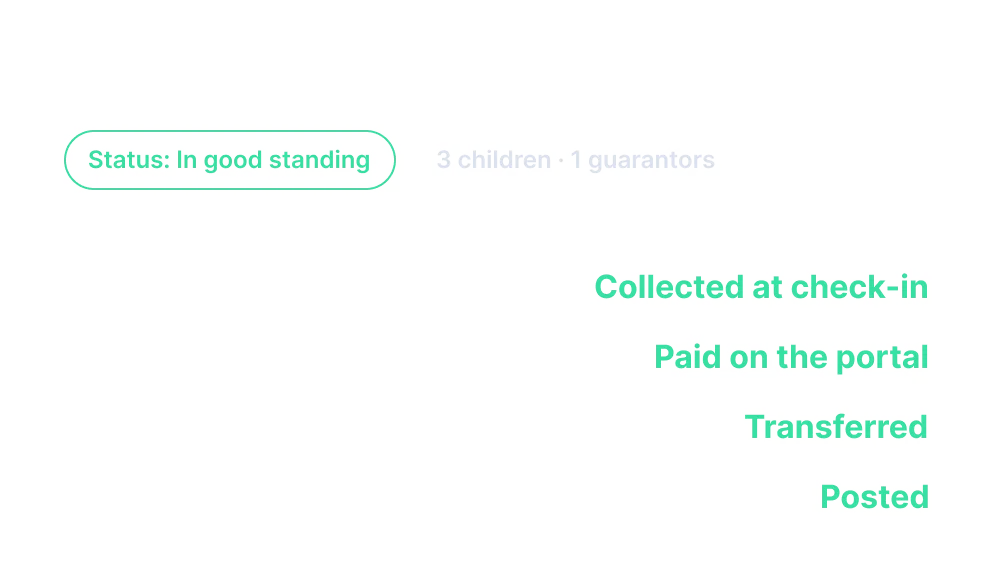
Three kids on one statement, and no confused phone calls.
One simplified financial picture for the whole family.
What to know about patient payments in pediatrics.

Office Practicum connects patient balances and payments directly to the family’s account within the EHR and practice management workflow. Practices can collect copays at check-in, send statements and payment reminders, offer families multiple ways to pay, and track outstanding balances and payments without managing a separate patient payment process.